 KIANEWS

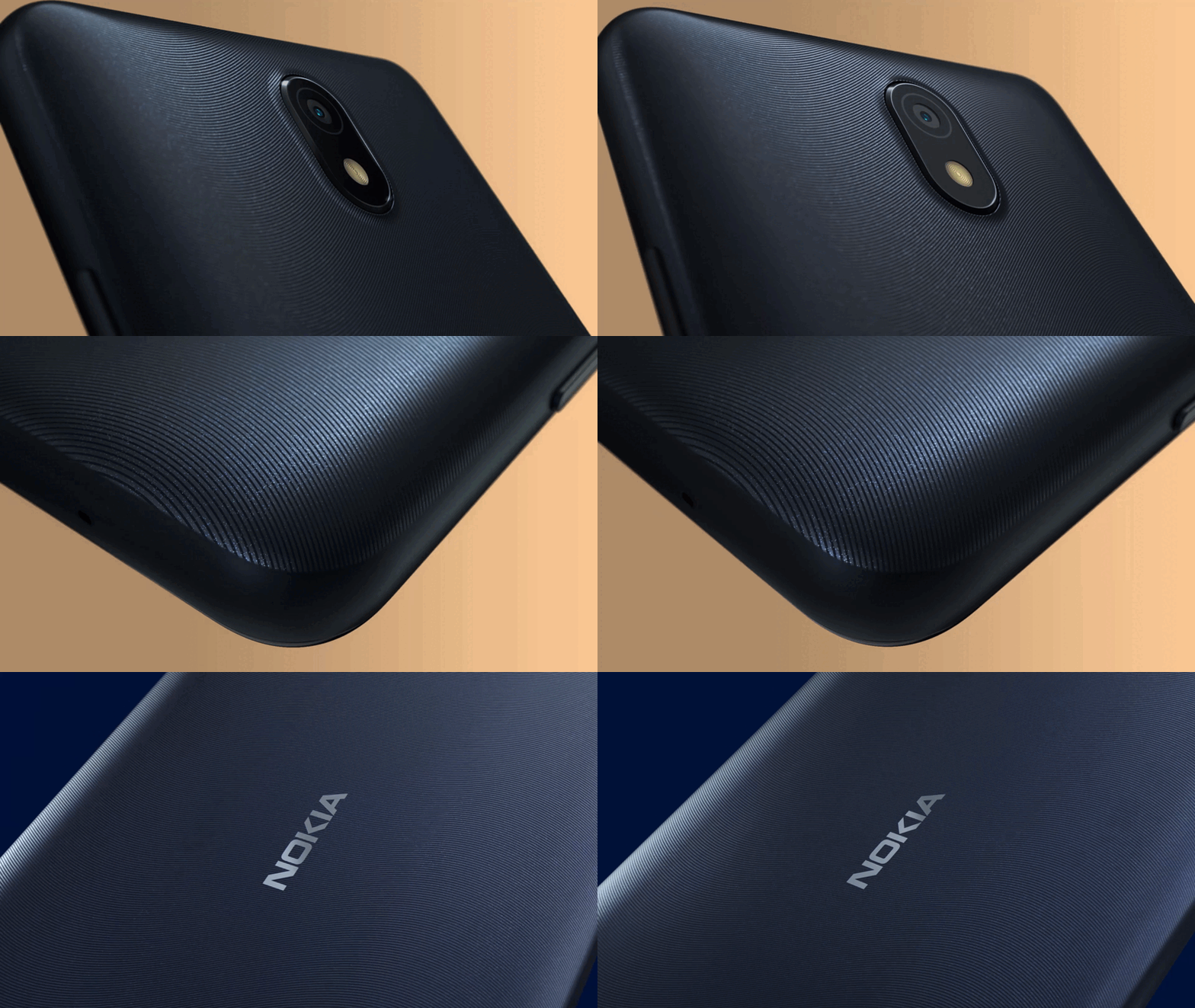

HMD Global today unveiled its latest smartphone, the HMD Fusion, an affordable device whose idea is to change functions and style with a shell. This is how the HMD Fusion will initially be distributed, but additional devices will be available later this year.
Download HMD M-KOPA X2 and X20 Stock Firmware to Reset, Update, Unbrick
18. 07. 2025 Friday / By: Robert Denes / The key / Exact time: BST / Print this page
The MKOPA X20 is a smartphone available in several African countries. The phone is manufactured by HMD – a Finnish company that used to sell Nokia-branded phones. The MKOPA X20 is a rebadged version of the HMD Pulse Pro that was made for MKOPA. That’s why you’ll find the MKOPA logo on the back of the phone, while the HMD logo is still visible at the bottom. MKOPA offers the phones on easy financing terms to make them affordable for people.
The MKOPA X2 is also a nearly identical device with cut-down specifications. Like the X20, the X2 is also a rebadged version of the HMD Pulse smartphone.
If your HMD MKOPA X20 or MKOPA X2 is not working properly, you can flash the phone to a clean state using the stock firmware. The firmware can help you fix various issues on your X20, such as:Since M-KOPA X20 and M-KOPA X2 are re-branded versions of HMD Pulse Pro and HMD Pulse, the firmware is also the same. You can flash the HMD Pulse series firmware on MKOPA X2 and X20. The firmware for all models of the first generation HMD Pulse series is also the same. All smartphones have the same internal name – legend. The phone will still boot the M-KOPA optimized version of the UI as it is delegated with the SKUID value set in the phone’s secure storage.
The firmware files for MKOPA X2 and X20 are below. M-KOPA versions have not yet been updated to Android 15. Therefore, we recommend that you refrain from flashing HMD Pulse series Android 15 firmware files to M-KOPA X2/20 for now.
File Name
Build Number
Download Link
HMDSW_lgd_1570-0-00WW-B01_user_devicekit.zip
1_570 (Android 14, SP 10-2024)
Generate Link
How to flash the firmware to M-KOPA X2 or X20?
The batch script to flash the files in the correct order is already included in the firmware. So, it is a straightforward process once you have the full firmware package.
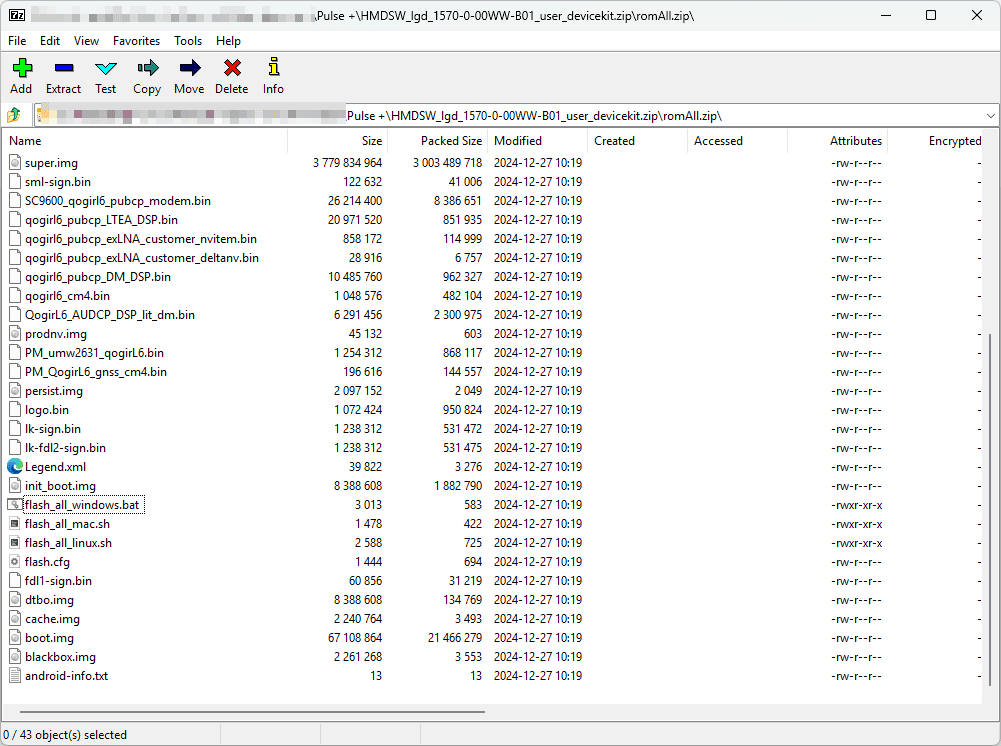
Note that flashing will only work if your MKOPA phone has an unlocked bootloader. Otherwise, you need to gain the flash permission from the HMD server before initiating the flash process.
Via Link