 KIANEWS
Official list of new features and changes for Android 11
10. 06. 2020 Wednesday / By: Robert Denes / Reviews / Exact time: BST Print this page
Check out the first beta version of Android 11, which was recently published by Google in a detailed blog post that includes all the changes and new features that Android 11 will bring to Android 10 as it releases the first beta version of Android 11.
According to Google, Android 11 focuses on three main themes:
People, Controllers, and Privacy.Android 11 includes a number of user interface changes, such as a new chat notification user interface, new Media Player controls, and a bubble in chat apps. Check out the official "What's New in the System UI" video published by Google to explain the UI changes.
Android 11 new feature & changes:
Via LinkPeople: we’re making Android more people-centric and expressive, reimagining the way we have conversations on our phones, and building an OS that can recognize and prioritize the most important people in your life:
- Conversation notifications appear in a dedicated section at the top of the shade, with a people-forward design and conversation specific actions, such as opening the conversation as a bubble, creating a conversation shortcut on the home screen, or setting a reminder.
- Bubbles help users to keep conversations in view and accessible while multitasking. Messaging and chat apps should use the Bubbles API on notifications to enable this in Android 11.
- Consolidated keyboard suggestions let Autofill apps and Input Method Editors (IMEs) securely offer context-specific entities and strings directly in an IME’s suggestion strip, where they are most convenient for users.
- Voice Access, for people who control their phone entirely by voice, now includes an on-device visual cortex that understands screen content and context, and generates labels and access points for accessibility commands.

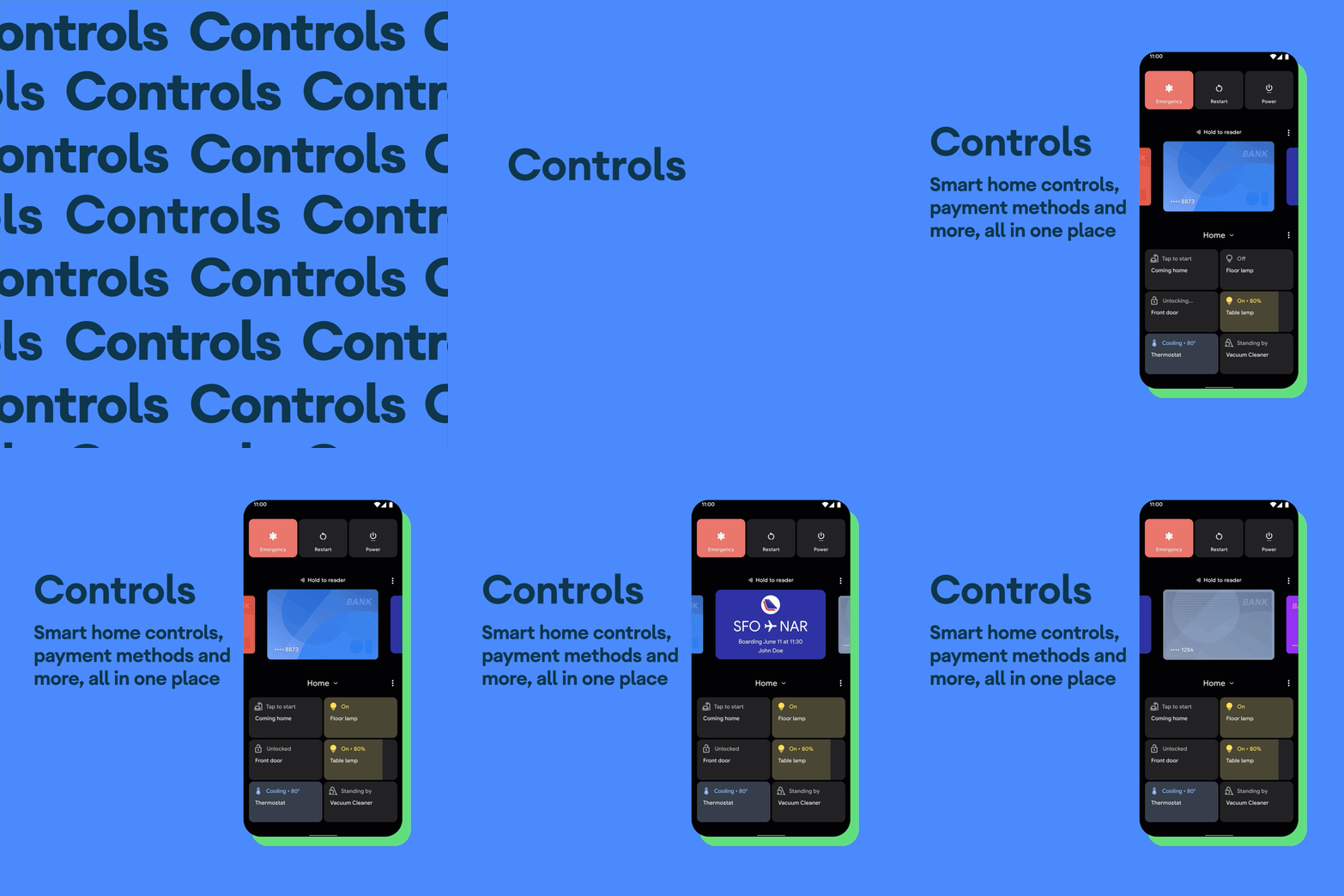
- Device Controls make it faster and easier than ever for users to access and control their connected devices. Now, by simply long pressing the power button, they’re able to bring up device controls instantly, and in one place. Apps can use a new API to appear in the controls. More here.
- Media Controls make it quick and convenient for users to switch the output device for their audio or video content, whether it be headphones, speakers or even their TV. You can enable this today from Developer Options, and it will be on by default in an upcoming Beta release. More here.
Privacy: In Android 11, we’re giving users even more control over sensitive permissions and working to keep devices more secure through faster updates.
- One-time permission lets users give an app access to the device microphone, camera, or location, just that one time. The app can request permissions again the next time the app is used. More here.
- Permissions auto-reset: if users haven’t used an app for an extended period of time, Android 11 will “auto-reset” all of the runtime permissions associated with the app and notify the user. The app can request the permissions again the next time the app is used. More here.
- Background location: In February, we announced developers will need to get approval to access background location in their app to prevent misuse. We’re giving developers more time to make changes and won’t be enforcing the policy for existing apps until 2021. More here.
- Google Play System Updates, launched last year, lets us expedite updates of core OS components to devices in the Android ecosystem. In Android 11, we more than doubled the number of updatable modules, and those 12 new modules will help improve privacy, security, and consistency for users and developers.

Developer friendliness: We want to make it easy for developers to take advantage of the new release, so to make compat testing easier, we’ve:
- Gated most breaking changes until you target Android 11 (so they won’t take effect until you explicitly change your manifest)
- Added new UI in developer options to let you toggle many of these changes for testing
- added a new Platform Stability release milestone where all API and behavior changes will be complete, so you can finalize your app updates knowing the platform is stable.